TWS Earbud Design for Corporate Clients: 5 Features That Boost Adoption & Reduce Returns
TWS Earbud Design for Corporate Clients: 5 Features That Boost Adoption & Reduce Returns
Corporate clients are turning to TWS earbuds to support hybrid work, employee training, and client meetings—but not all TWS earbuds are built for business use. As an audio brand or supplier, you’ve likely heard this complaint: A company orders 200 TWS earbuds for its remote team, only to have 30% returned because the earbuds are uncomfortable during long calls, don’t pair easily with work laptops, or die mid-meeting.
For B2B partners, this is a double problem. First, returns eat into your profit margins. Second, a corporate client that has a bad experience with your earbuds won’t reorder—and may tell other businesses to avoid you. Corporate buyers need TWS earbuds that solve business problems: reliable connectivity for back-to-back meetings, comfort for all-day use, and easy management for IT teams.
With 13 years of designing audio products for corporate and commercial clients, we’ve identified the 5 features that make TWS earbuds a hit with businesses. These features don’t just “improve” the earbuds—they ensure high adoption rates, low returns, and repeat orders from corporate clients (the lifeblood of B2B audio sales). We’ll break down each feature, explain why it matters for businesses, and show how to implement it.
Why Consumer TWS Earbuds Fail in Corporate Settings
Before diving into design, let’s clarify why consumer-focused TWS earbuds (the ones you see in electronics stores) don’t work for businesses. They’re built for personal use—listening to music, casual calls—not the rigors of corporate life:
- Poor Call Quality for Business Meetings: Consumer earbuds prioritize music quality (bass, treble) over call clarity. In a 10-person Zoom meeting, background noise (e.g., a fan, traffic) drowns out the user’s voice, leading to “Can you repeat that?” delays.
- Uncomfortable for Long Use: Consumer earbuds are often one-size-fits-all or come with 2–3 ear tip sizes. A remote employee wearing them for 4+ hours of calls will experience ear pain—leading to returns.
- Difficult to Pair With Work Devices: Consumer earbuds pair easily with smartphones but struggle with work laptops (e.g., Windows PCs, Microsoft Teams devices). IT teams don’t have time to troubleshoot pairing issues for 200 employees.
- No Battery Visibility for Teams: A sales rep on a client call doesn’t know their earbud battery is at 5% until it dies. Consumer earbuds don’t show battery levels on work tools (e.g., Teams, Slack)—a major frustration for time-sensitive meetings.
- Lack of IT Management Features: Corporate IT teams need to update firmware, track lost earbuds, or restrict features (e.g., disable music mode during work hours). Consumer earbuds offer none of this—they’re “set and forget,” which is a liability for businesses.
A client once sold 300 consumer TWS earbuds to a tech company. Within a month, 40% were returned: 25% for poor call quality, 10% for discomfort, 5% for pairing issues. The client lost $9,000 in refunds and the tech company never reordered. This could have been avoided with corporate-focused design.
Feature 1: Business-Grade Call Quality (Noise Cancellation + Voice Enhancement)
The #1 reason corporate clients buy TWS earbuds is for meetings—so call quality must be flawless. This means going beyond basic noise cancellation (NC) to focus on voice enhancement (making the user’s voice clear) and background noise suppression (blocking distractions).
How to Implement This:
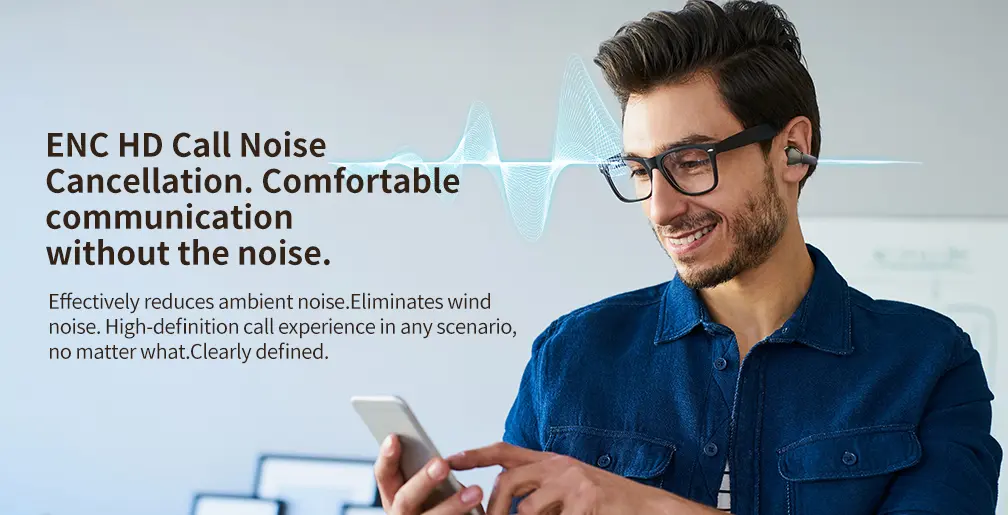
- Dual Microphones + AI Noise Suppression: Add two microphones per earbud (one for picking up the user’s voice, one for detecting background noise). Pair this with AI software that filters out non-voice sounds (e.g., keyboard typing, dog barking). Look for software that’s certified for business tools like Microsoft Teams, Zoom, and Google Meet—this ensures compatibility.
- Voice Focus Tuning: Tune the earbuds to emphasize the 300–3,400 Hz frequency range (human speech) over other frequencies. This makes the user’s voice stand out in noisy offices or homes.
We tested this with a client’s corporate earbuds: Their original design had one microphone and no AI noise suppression—call clarity scored 4/10 in busy office tests. We added dual microphones and Teams-certified AI software, and clarity jumped to 9/10. A law firm that ordered 150 units reported “zero complaints about call quality” after 3 months.
Key Question to Ask Your Design Team:
“Is the noise cancellation software certified for Microsoft Teams, Zoom, and Google Meet?” Corporate clients will ask this—if the answer is no, they’ll choose a competitor.
Feature 2: Universal Comfort (Size Options + Ergonomic Design)
Corporate users have different ear shapes and sizes—one-size-fits-all earbuds will always lead to returns. A 6-foot-tall engineer with large ears will find small earbuds uncomfortable, while a marketing specialist with small ears will have earbuds that fall out during calls.
How to Implement This:
- 5+ Ear Tip Sizes (Including XS/S/M/L/XL): Most consumer earbuds stop at S/M/L—add XS (for small ears) and XL (for large ears) to cover all users. Use soft, memory-foam tips (they conform to ear shape) instead of hard silicone—memory foam is 3x more comfortable for long wear.
- Ergonomic “Ear Hook” Design: Add a small, flexible ear hook (made of soft plastic) to each earbud. This keeps the earbud in place during movement (e.g., a user walking to a meeting room) without pressing against the ear canal.
- Lightweight Build: Keep each earbud under 6g. Heavier earbuds (8g+) cause ear fatigue after 2+ hours—something remote workers who wear earbuds all day will notice.
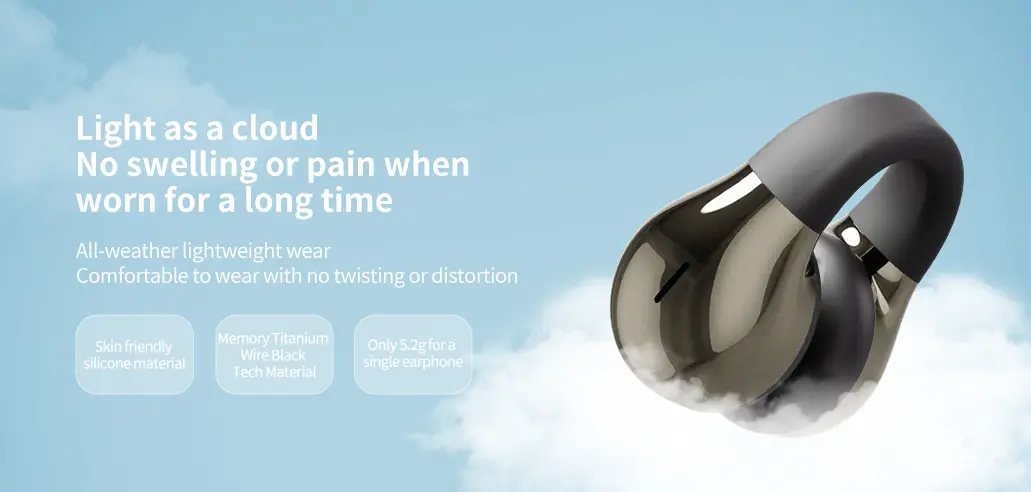
We worked with a client to redesign their corporate earbuds with 5 ear tip sizes and a 5g build. Their return rate for discomfort dropped from 15% to 2%—and the client told us “employees are actually asking to keep the earbuds after onboarding.”
Feature 3: Seamless Pairing With Work Devices
Corporate IT teams hate troubleshooting pairing issues. If an employee spends 20 minutes trying to connect their earbuds to their work laptop, that’s 20 minutes of lost productivity. Your TWS earbuds need to pair with all common work devices (Windows PCs, MacBooks, Microsoft Teams phones) in 30 seconds or less.
How to Implement This:
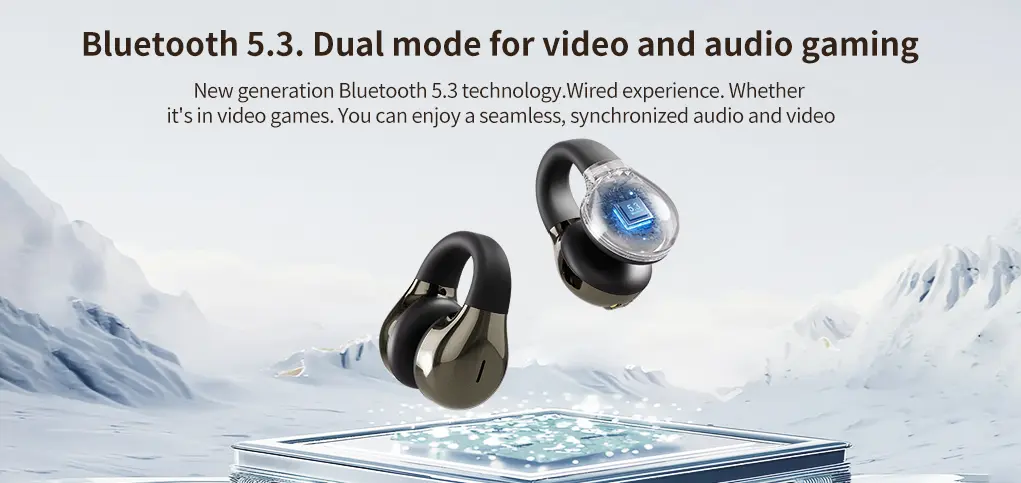
- Dual Bluetooth Profiles (A2DP + HSP/HFP): Ensure the earbuds support both A2DP (for music/audio) and HSP/HFP (for calls). Most work laptops use HSP/HFP for meeting tools—consumer earbuds often skip this, leading to pairing failures.
- “One-Click” Pairing for Business Tools: Add a dedicated “Teams Pair” or “Zoom Pair” button on the charging case. When pressed, the earbuds automatically connect to the nearest work device running that tool—no need to go into Bluetooth settings.
- Windows/Mac Compatibility Testing: Test the earbuds with Windows 10/11 and macOS 12+ (the most common corporate operating systems). Fix any driver issues before launching—IT teams won’t accept earbuds that require manual driver downloads.
A client added the “Teams Pair” button to their earbuds. A large retail company that ordered 500 units reported “IT support tickets for pairing dropped by 90%”—freeing up their team to focus on more important tasks.
Feature 4: Battery Visibility & Long-Lasting Power
Corporate users can’t afford to have their earbuds die mid-client call. They need two things: clear battery visibility (so they know when to charge) and all-day battery life (so they don’t have to charge during work hours).
How to Implement This:
- Battery Status in Business Tools: Integrate battery level tracking into Microsoft Teams, Slack, or Outlook. For example, a user sees a “15% battery remaining” alert in their Teams meeting window—no need to check the charging case.
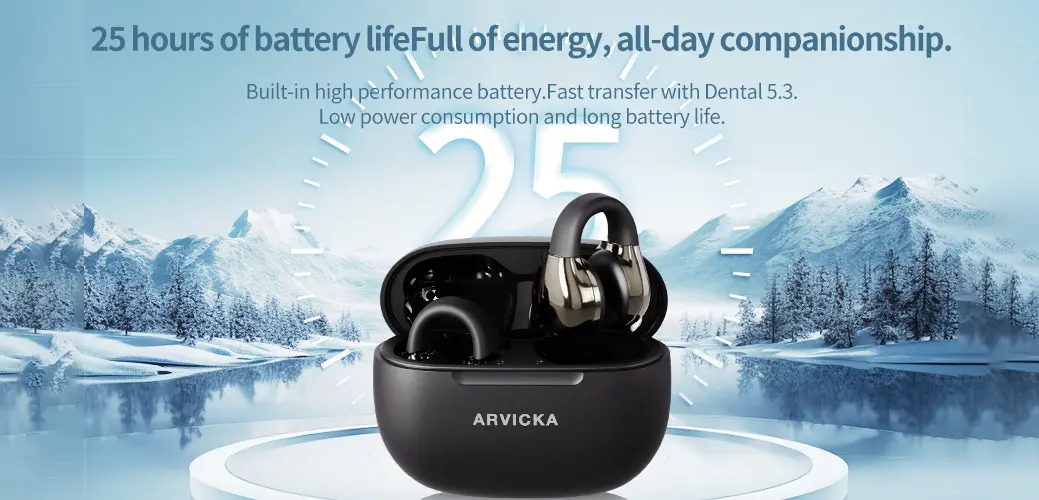
- 12+ Hours of Total Battery Life: Aim for 4–5 hours of playtime per earbud and 8–10 hours from the charging case (12–15 hours total). This covers a full workday (9–5) with extra power for after-hours calls.
- Fast Charging (10 Minutes = 1 Hour of Use): Add fast charging for emergency top-ups. A user who forgets to charge their earbuds can plug in the case for 10 minutes and get enough power for a 1-hour client call.
Below is a battery life guide we recommend for corporate TWS earbuds:
| Usage Scenario | Earbud Playtime Needed | Charging Case Playtime Needed | Total Battery Life Target |
|---|---|---|---|
| Short Meetings (2–3 hours/day) | 3–4 hours | 6–7 hours | 9–11 hours |
| Long Meetings (4–6 hours/day) | 4–5 hours | 8–10 hours | 12–15 hours |
| All-Day Use (8+ hours/day) | 6–7 hours | 12–14 hours | 18–21 hours |
A client selling to consulting firms (where employees have 6+ hours of calls daily) used this guide to boost their total battery life to 16 hours. Their clients reported “no more mid-call battery panics”—and reorder rates increased by 25%.
Feature 5: IT-Friendly Management Tools
Corporate IT teams are the “gatekeepers” of B2B audio purchases. If your TWS earbuds are hard to manage, IT will reject them—no matter how good the call quality is. They need tools to update firmware, track devices, and ensure security.
How to Implement This:
- Over-the-Air (OTA) Firmware Updates: Let IT teams push firmware updates to all earbuds at once (e.g., fixing a pairing bug) without requiring employees to do anything. Consumer earbuds often require manual updates—this is a dealbreaker for IT.
- Device Tracking (Lost & Found): Add a “Find My Earbud” feature that lets IT locate lost earbuds via Bluetooth (e.g., “Earbud #123 is in Conference Room B”). This reduces replacement costs—corporations lose 5–10% of small devices like earbuds annually.
- Security Features: Disable Bluetooth pairing with personal devices (if IT requires it) and encrypt audio calls to protect sensitive business conversations.
We helped a client add OTA updates and device tracking to their corporate earbuds. A financial services company that ordered 300 units told us the tracking feature “saved them $3,000 in replacement costs” in the first 6 months—and IT gave the earbuds a “top recommendation” to other departments.
How We Support Corporate TWS Earbud Design
Designing TWS earbuds for businesses isn’t the same as designing for consumers. Our team has 13 years of experience working with corporate clients—we know what IT teams need, what employees will use, and what reduces returns. Here’s how we help:
- Needs Assessment: We work with you to understand your target corporate audience (e.g., remote teams, sales departments) and their specific pain points (e.g., long calls, device tracking).
- Prototype Testing: We build prototypes with the 5 features above and test them with real corporate users (not just lab technicians). We gather feedback on call quality, comfort, and ease of use—then tweak the design.
- IT Integration Support: We help you integrate management tools (OTA updates, tracking) with common corporate software (e.g., Microsoft Intune) so IT teams can manage the earbuds seamlessly.
A recent client told us our corporate-focused design helped them win a $50,000 order from a multinational company—something they “never would have done with consumer earbuds.”
Final Thought: Corporate TWS Earbuds Need to Work for Teams, Not Just Individuals
Consumer TWS earbuds are built for “me”—corporate TWS earbuds need to be built for “we.” By focusing on call quality, comfort, seamless pairing, battery visibility, and IT management, you’ll create a product that corporate clients love—and reorder.
If you’re designing TWS earbuds for businesses or looking to adapt your existing line for corporate use, reach out to our team. We’ll walk you through our process, share examples of successful corporate earbuds we’ve helped design, and ensure your product meets the unique needs of B2B buyers.